Bring the product story to the shelf.
Turn product video, imagery and specifications into fast, tappable Stories built for physical retail. Help shoppers explore features, benefits and reasons to buy in a format they already know.
Publish across QR, NFC Smart-Tags and interactive screens, and see what shoppers choose to explore.
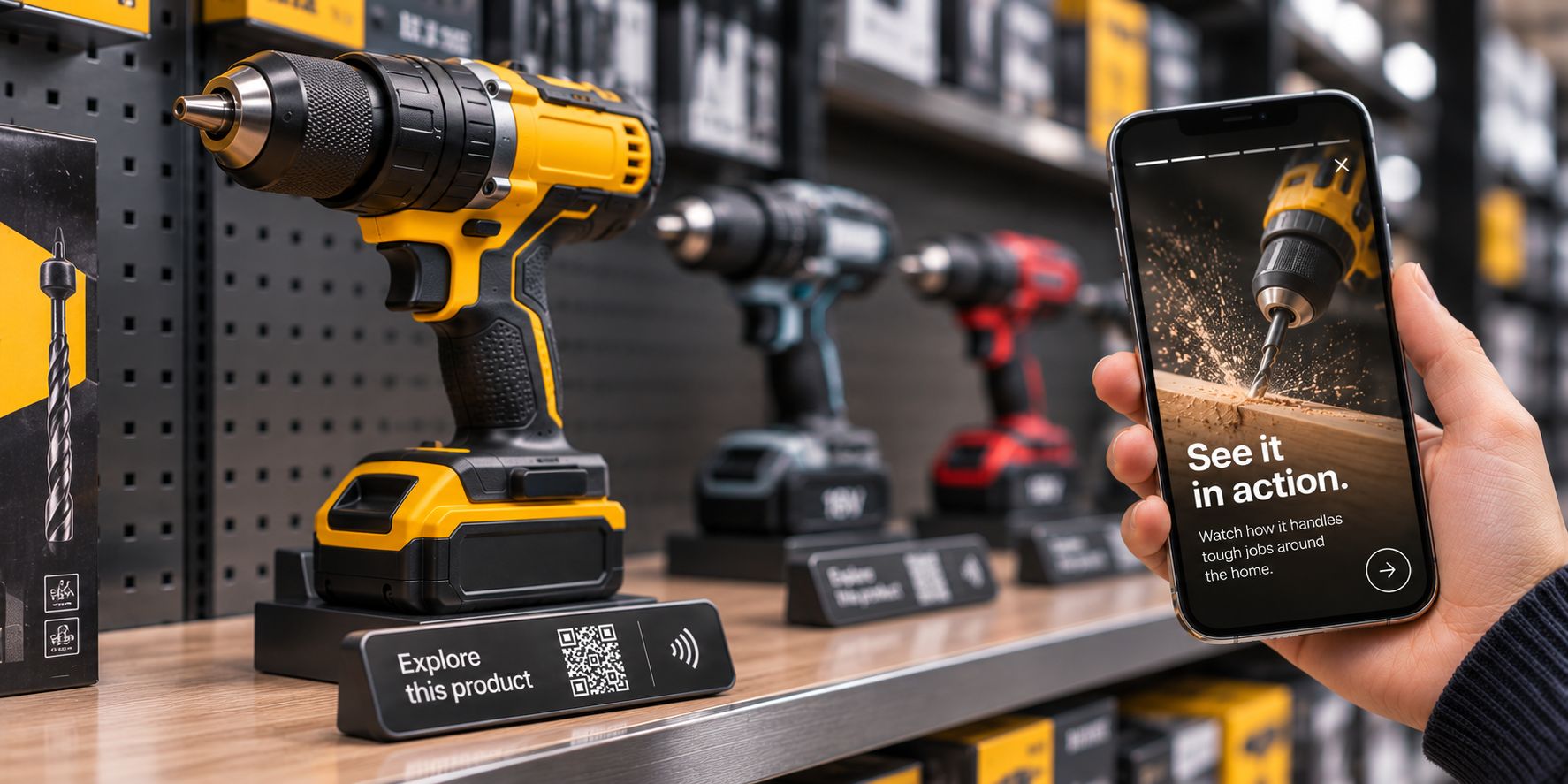
Static POS can only say so much.
A product can have dozens of features, use cases and reasons to choose it. A shelf ticket cannot explain them all.
Sending a shopper out to an open website often pulls them away from the physical display and into generic search results, tabs and distractions.
Stories adds a focused digital layer right beside the product, letting shoppers explore what matters to them at their own pace.
The product stays physical. The story becomes browsable.
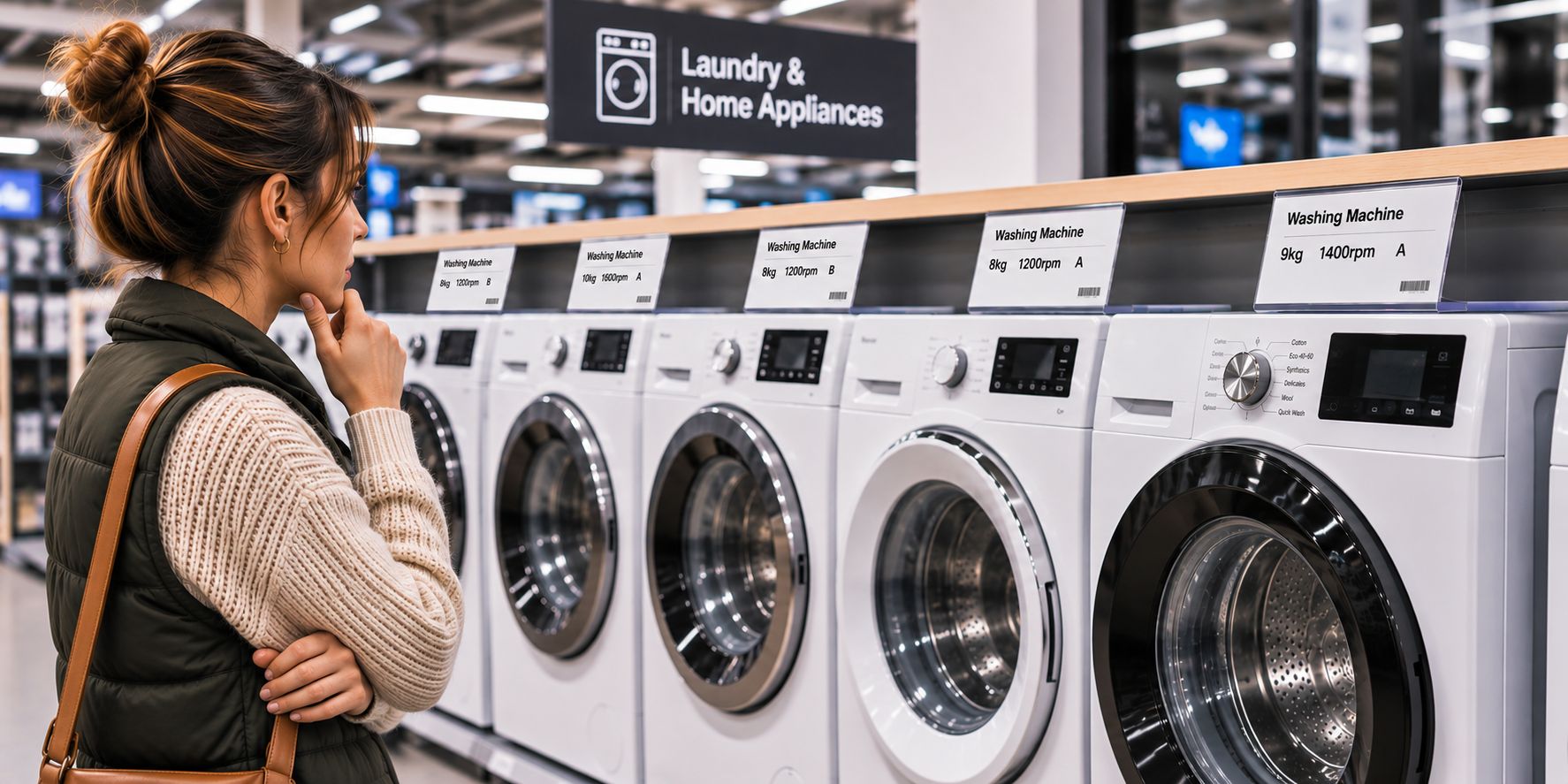
A format shoppers already know.
Shoppers already know how to tap and swipe through short-form vertical content.
Stories brings that natural behaviour to the fixture: quick chapters, visual demonstrations and clear comparisons built around the product in front of them.
Fast to grasp. Easy to browse. Built for the aisle.
Explore the science behind the Story format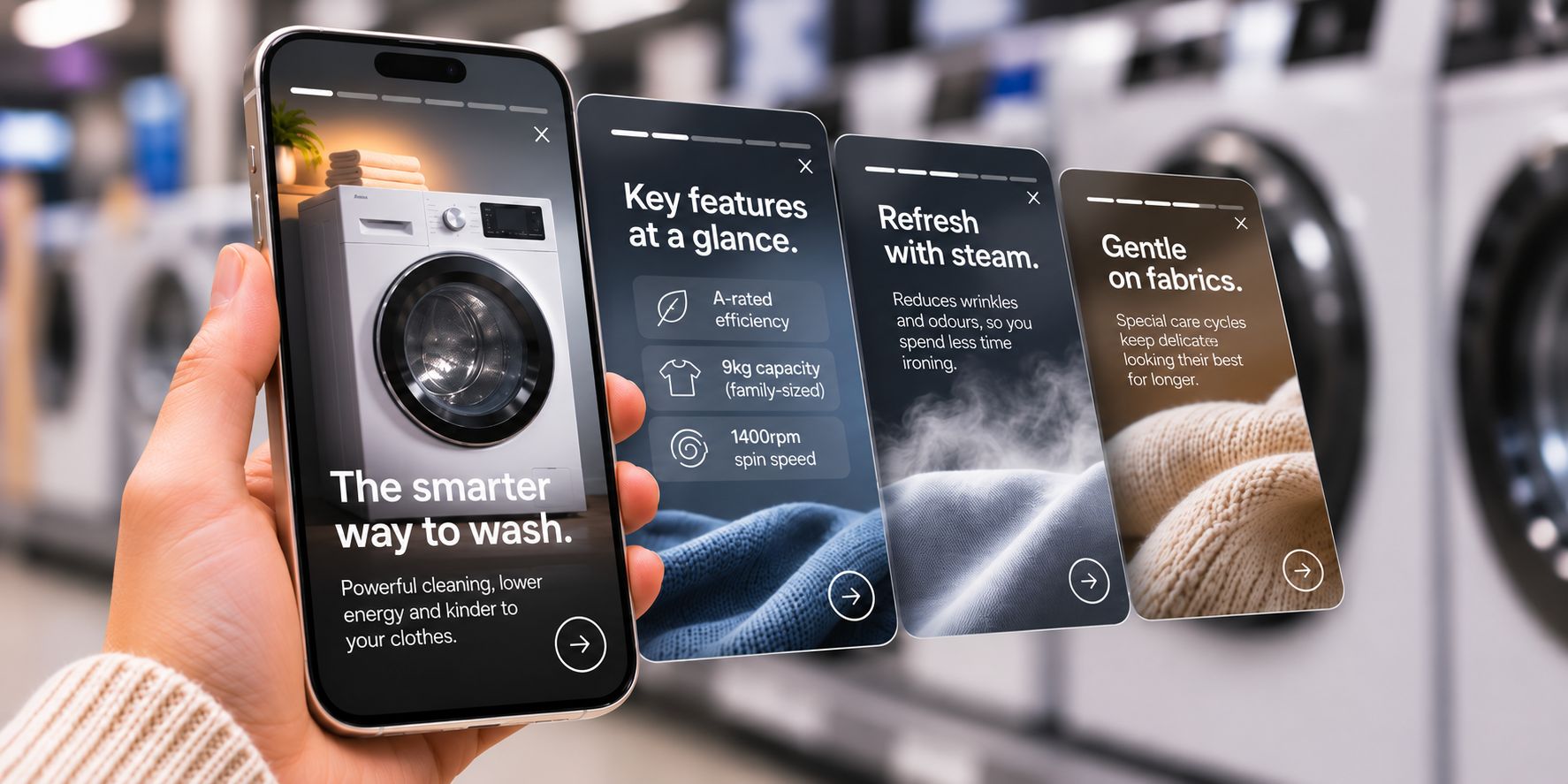
Start with the hook.
Lead with the clearest reason to care: a standout benefit, an everyday problem solved or a short demonstration.
Break detail into chapters.
Organise complex product information into focused, swipeable screens that shoppers can move through in seconds.
Give a clear next step.
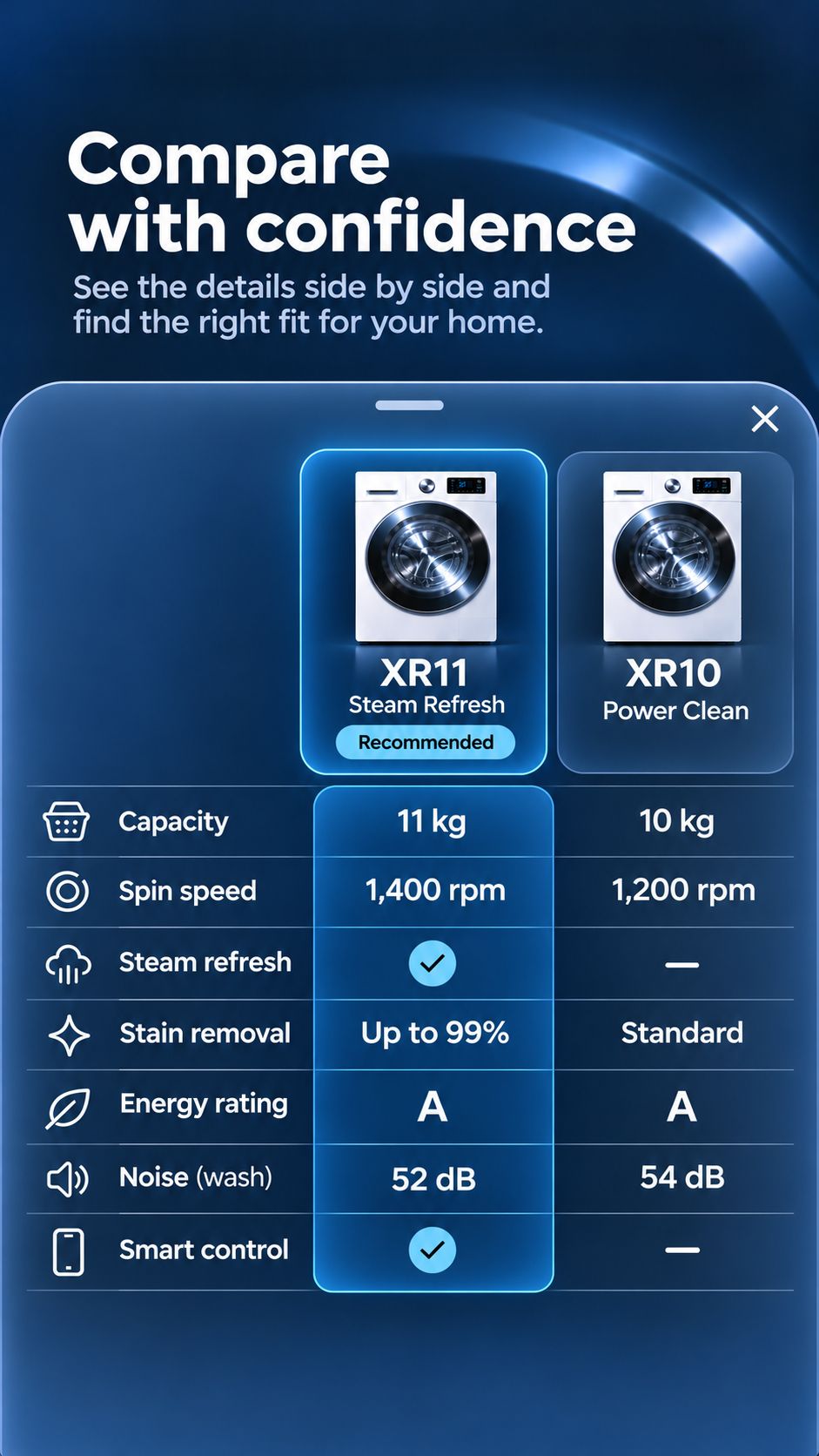
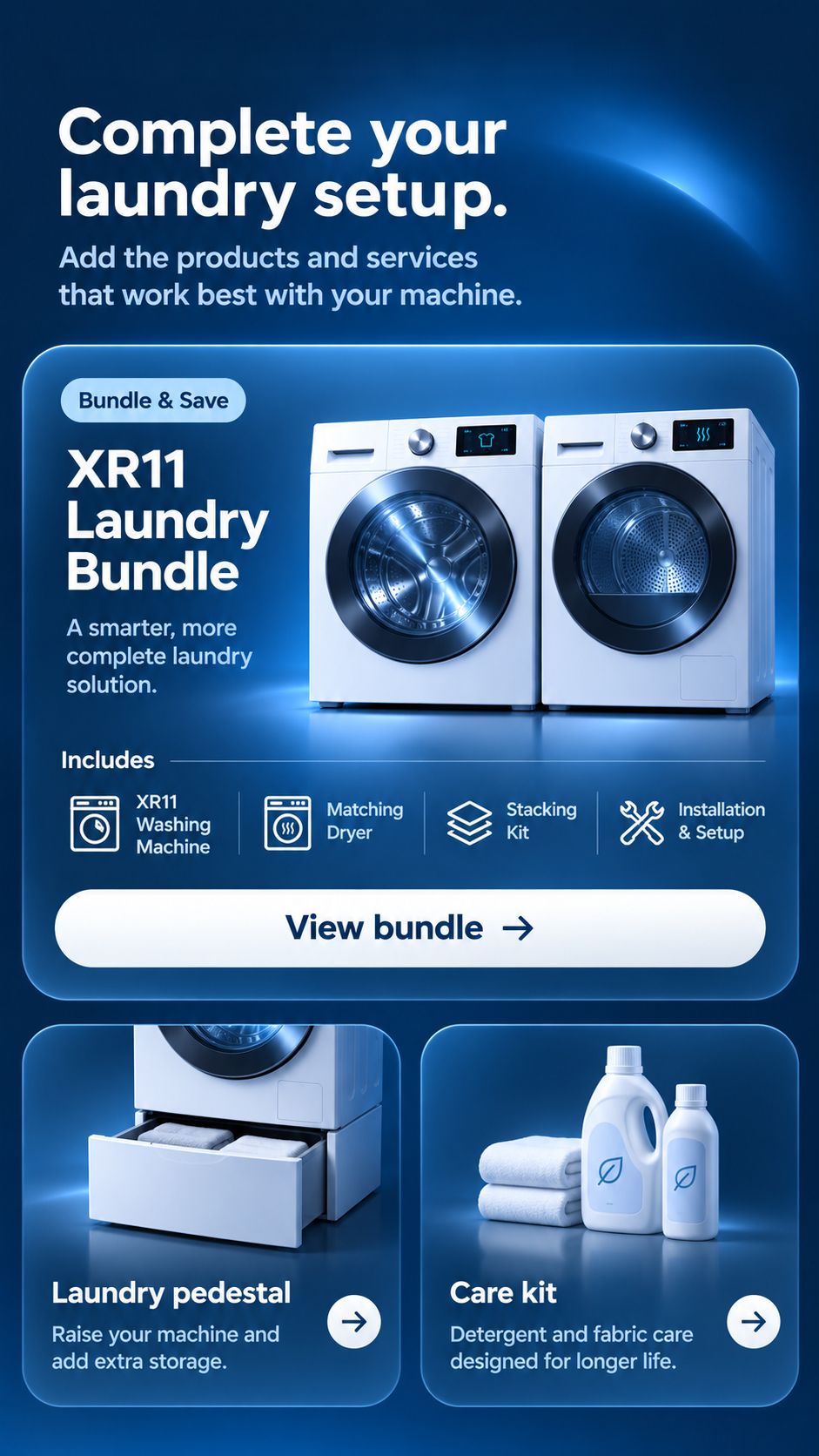
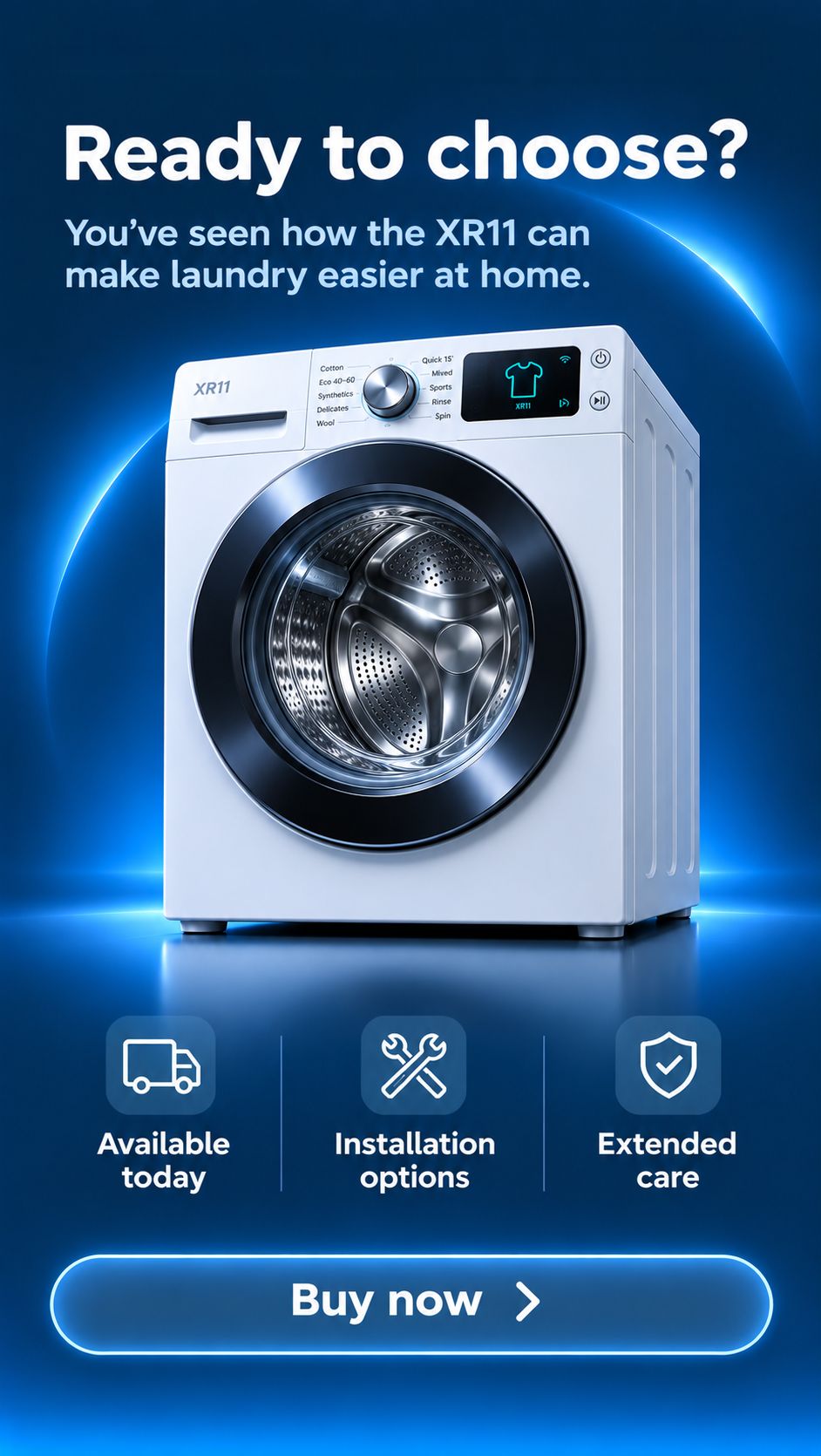
Let shoppers check full specs, compare a neighbouring model or continue straight to the retailer purchase route.
More than a digital brochure.
Combine the chapters that suit your product range, brand and store environment.
Feature demonstrations
Show how key technologies actually work using short video, motion graphics or step-by-step visuals.
Product benefits
Turn technical specifications and ratings into plain-English reasons why a product is worth choosing.
Lifestyle context
Show the product in real homes and everyday routines to connect features with practical needs.
Design and brand story
Share the engineering, materials, sustainability or heritage behind the range when shoppers want more depth.
Polls and quick questions
Give shoppers a lightweight way to weigh in while learning which priorities matter most across stores.
Model comparisons
Clarify what changes as shoppers step up the range so trade-ups feel justified rather than confusing.
When shoppers need help narrowing down a larger range first, Product Finder can guide them to a shortlist.
Social and campaign video
Put existing vertical video and launch assets to work at the fixture without sending shoppers out to social feeds or search.
Explore an eight-chapter product Story.
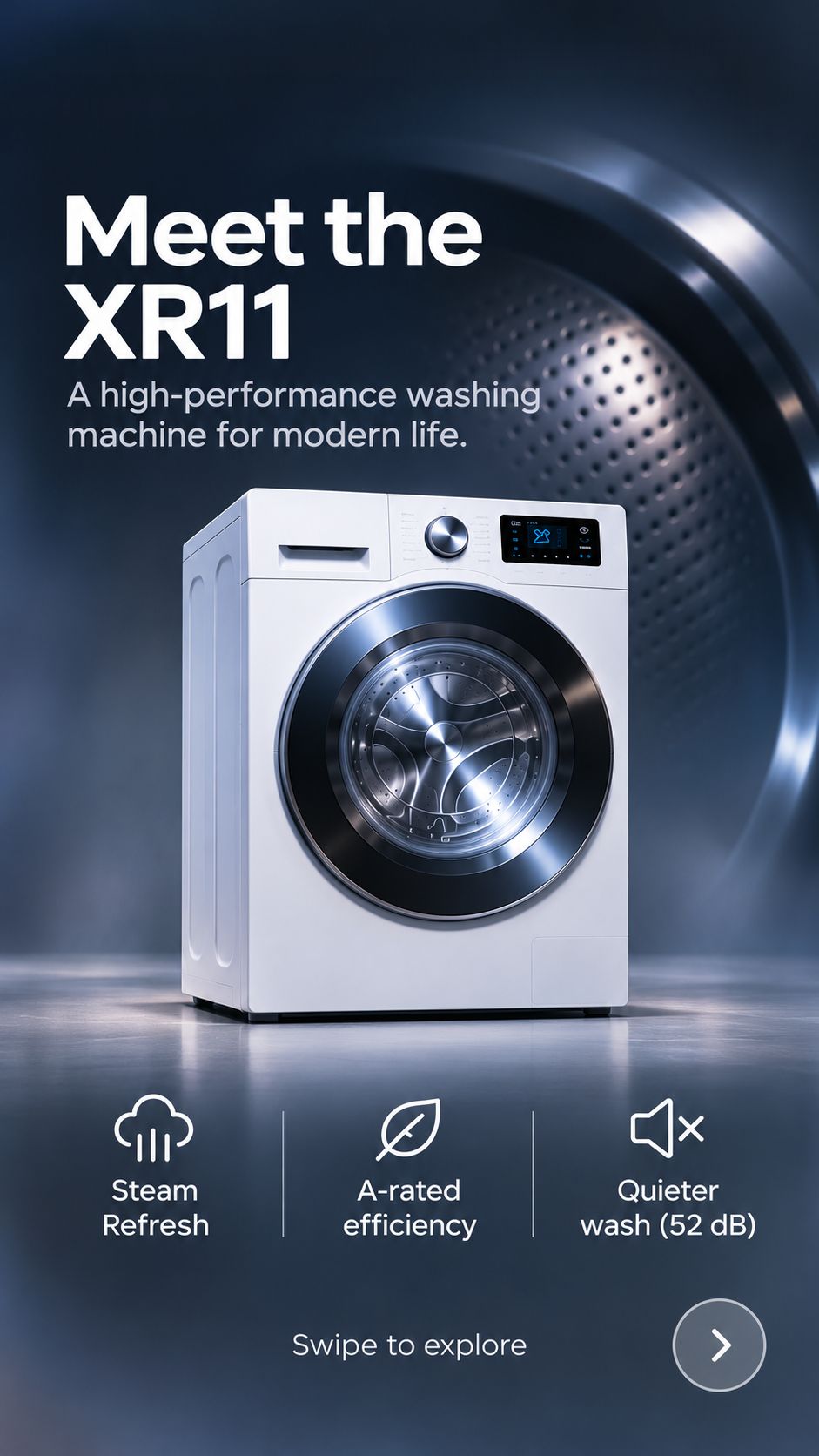
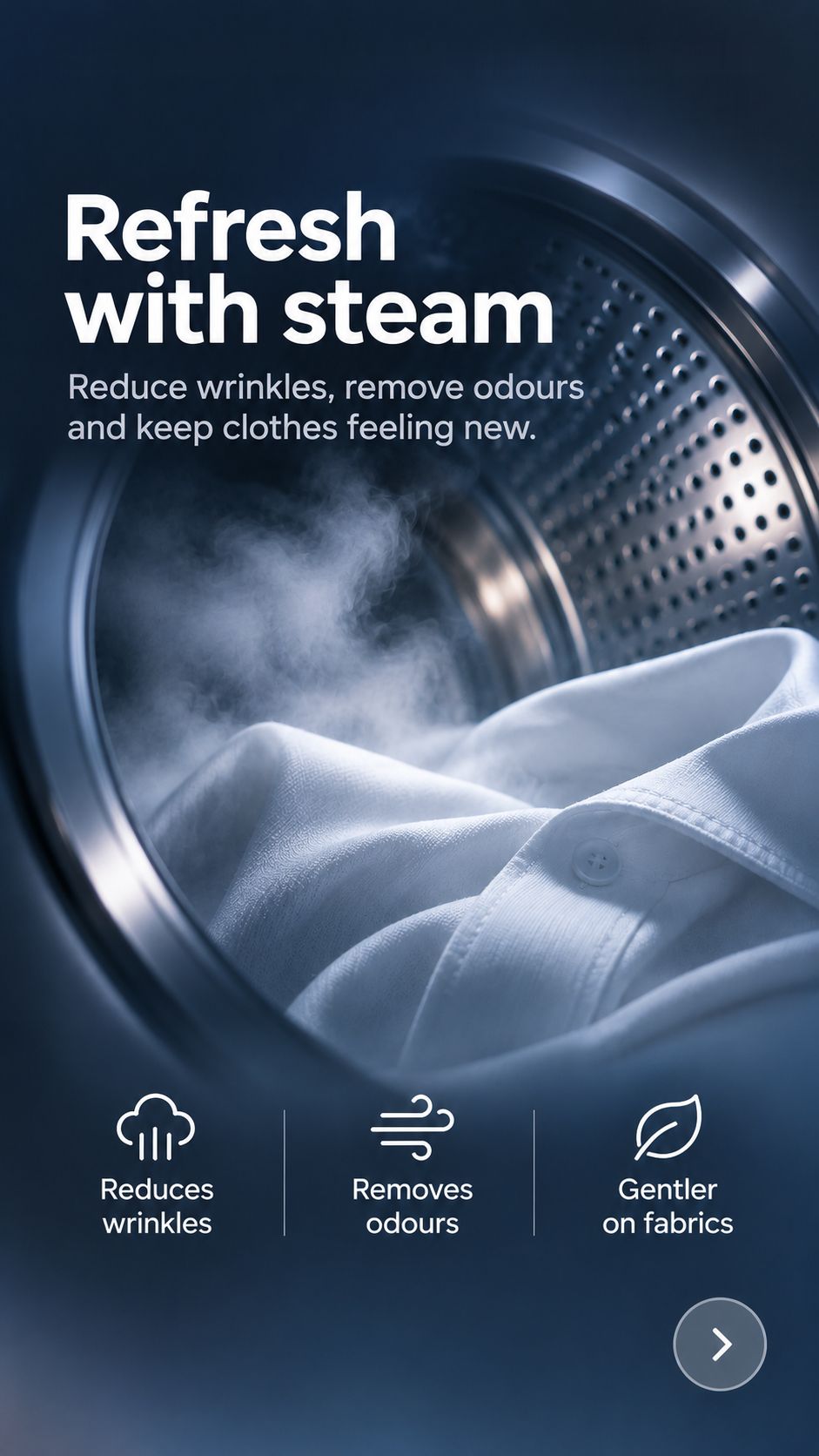
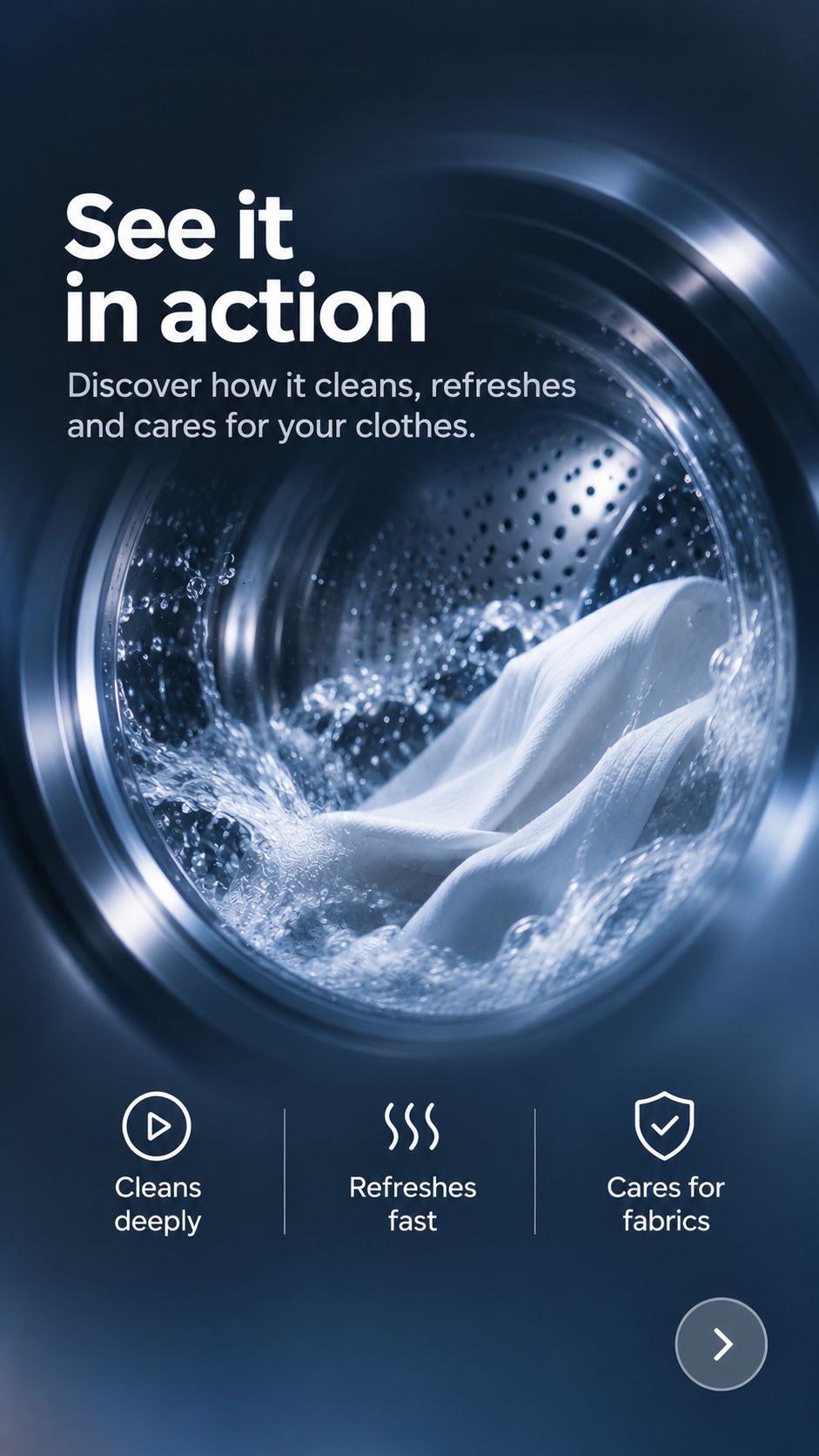
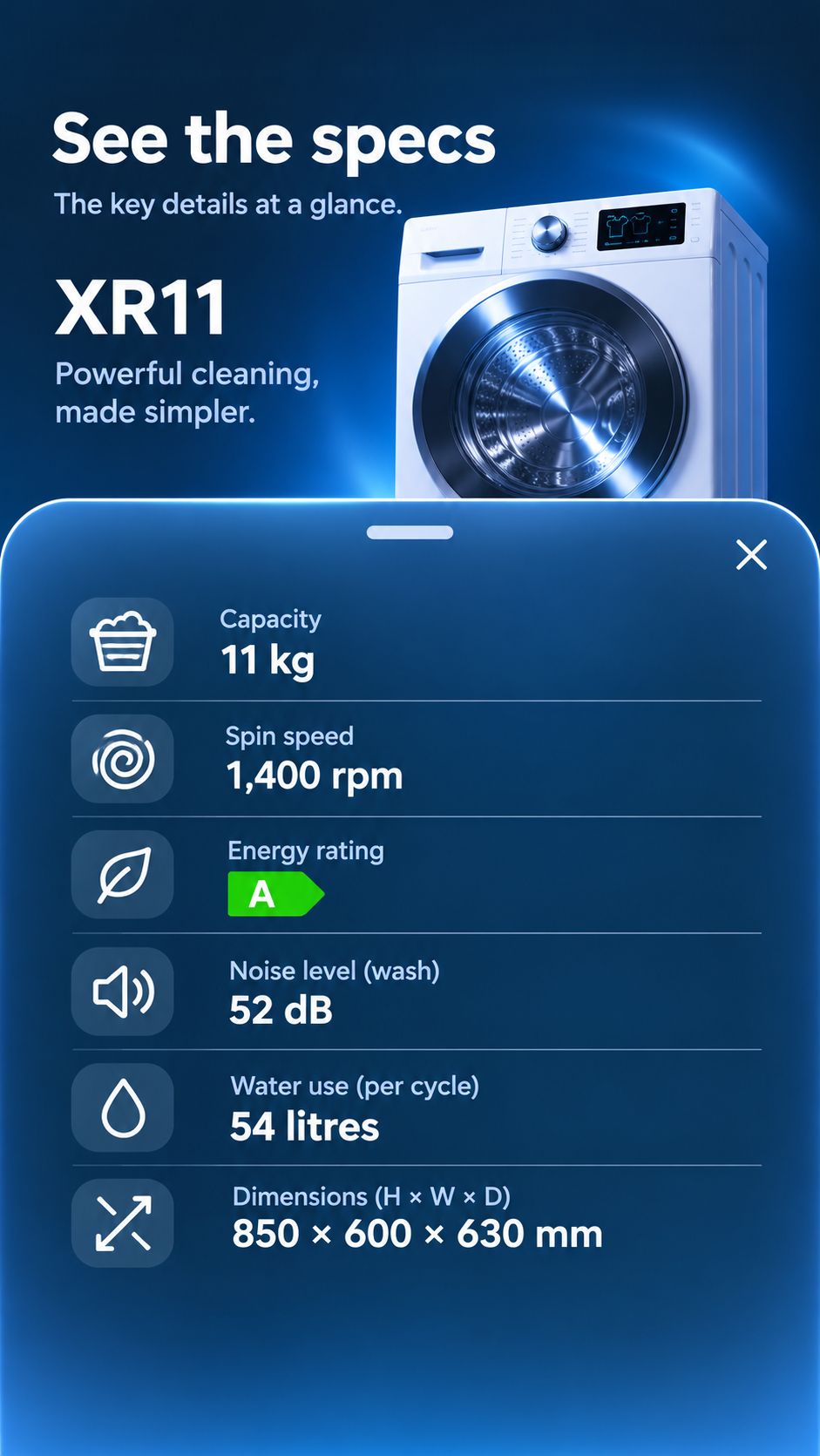
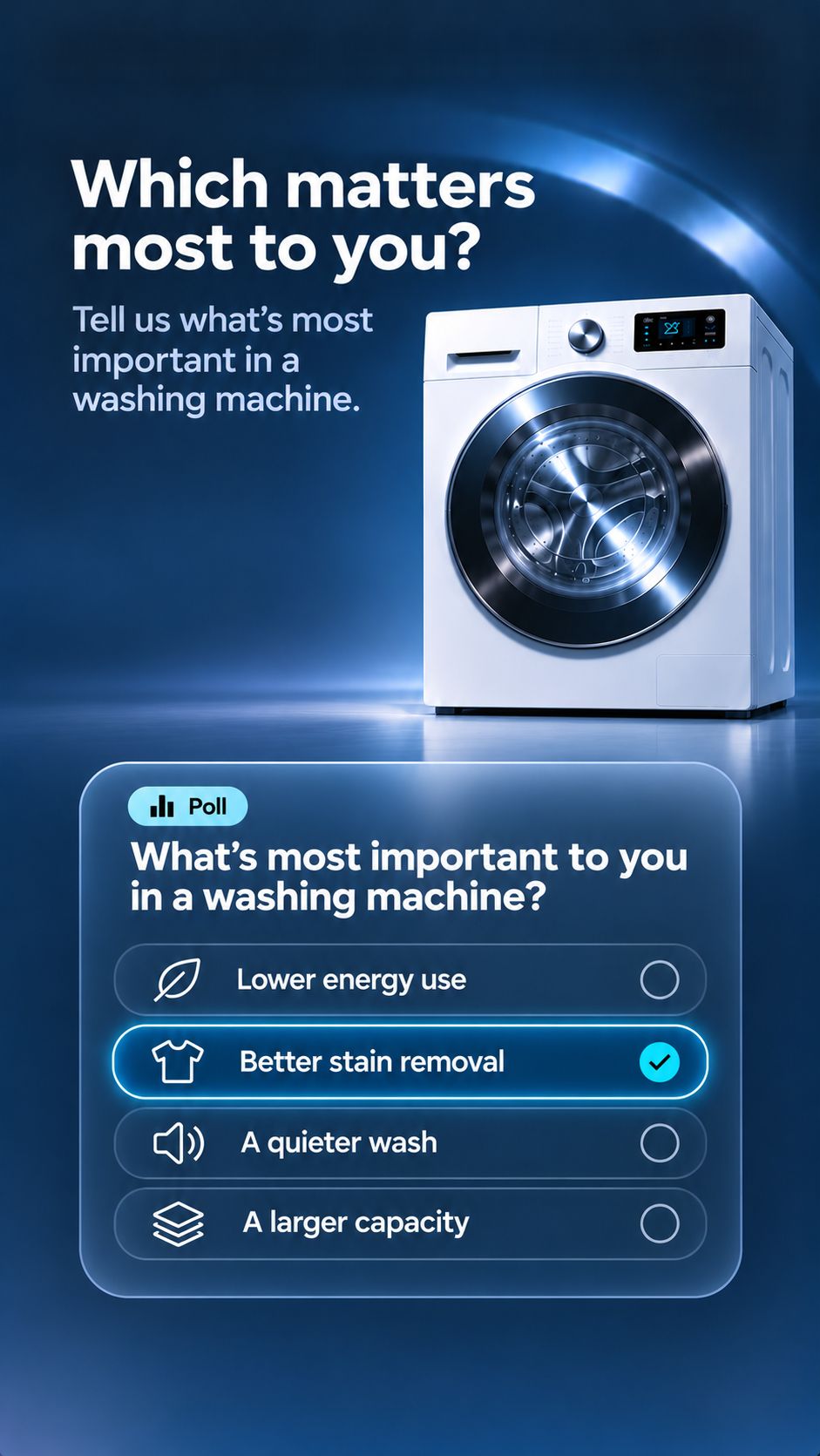
Start with a clear hook
Open with the strongest shopper benefit or everyday use case, giving people standing at the fixture an immediate reason to keep exploring.
Your content already exists. Put it to work in store.
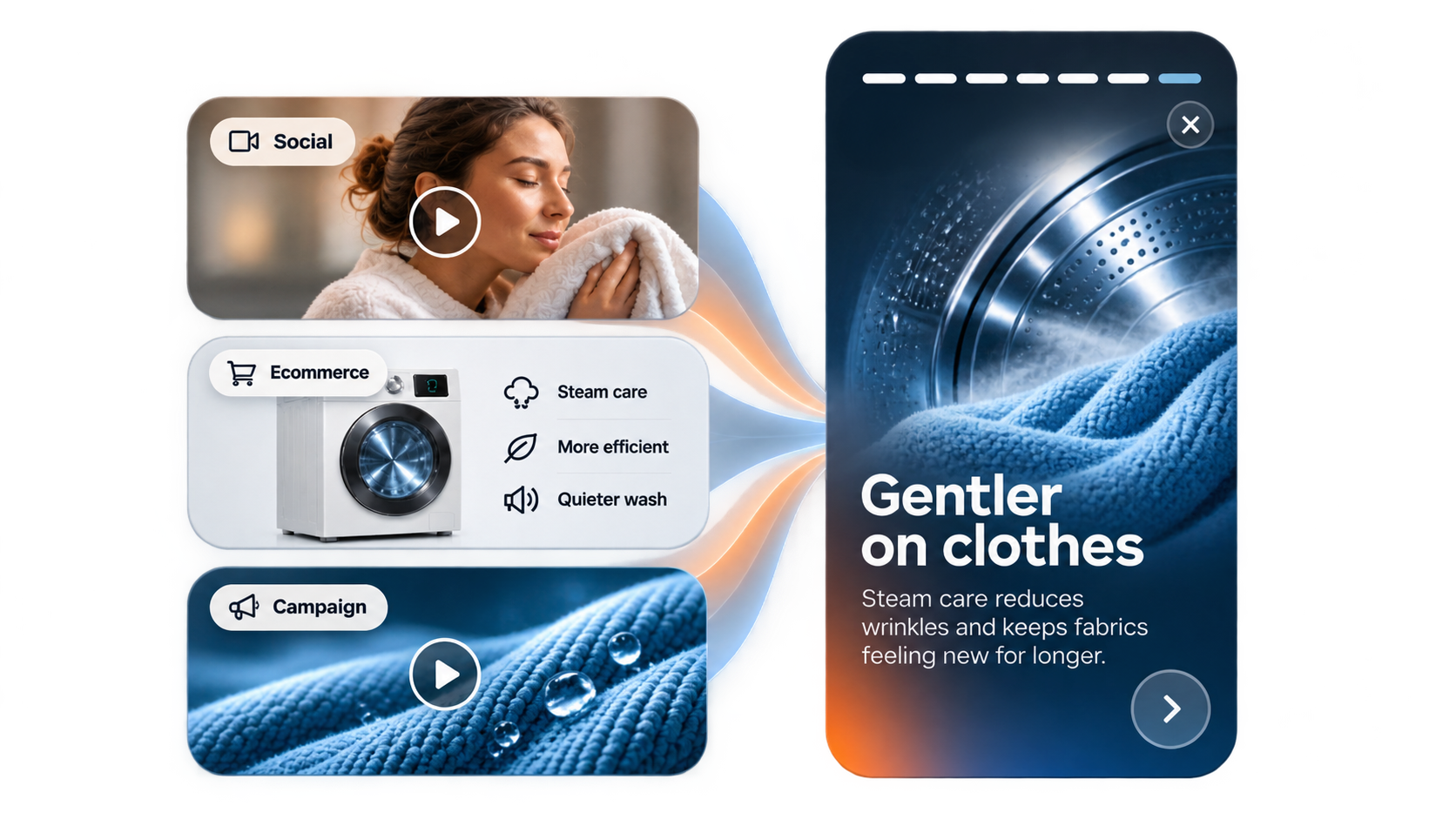
Brands already produce rich video, photography and product copy for ecommerce, social and launch campaigns. Stories gives those assets a clear job at the fixture.
Adapt existing vertical video, imagery and key claims into structured chapters for physical retail, combined with specifications, comparisons and local store links.
Teams avoid building a separate content library from scratch for every retail rollout.
Create centrally. Execute locally. Observe globally.
Put the Story beside the product.
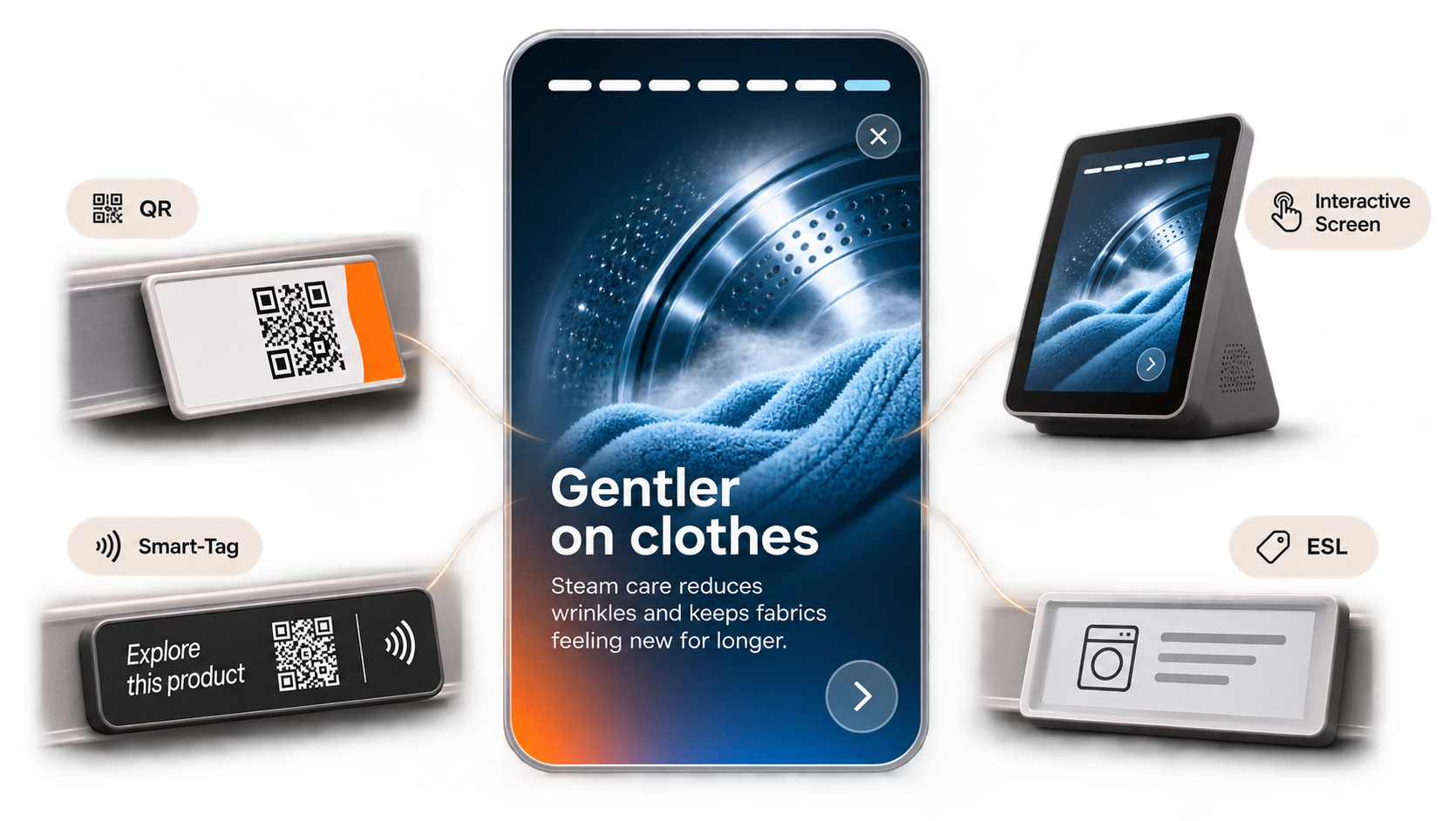
Publish the same Story across the touchpoints already in your stores and displays.
QR codes
Let shoppers scan at the shelf or display and explore immediately on their own phone.
NFC Smart-Tags
Open the product Story with a single tap, with no searching, typing or app download.
Interactive screens
Run Stories on compatible in-store touchscreens integrated into fixtures and feature bays.
ESL, packaging and print
Connect electronic shelf labels, boxes and point-of-sale print to richer product content.
No app download is required for smartphone experiences accessed via QR or NFC.
Turn shelf attention into active consideration.
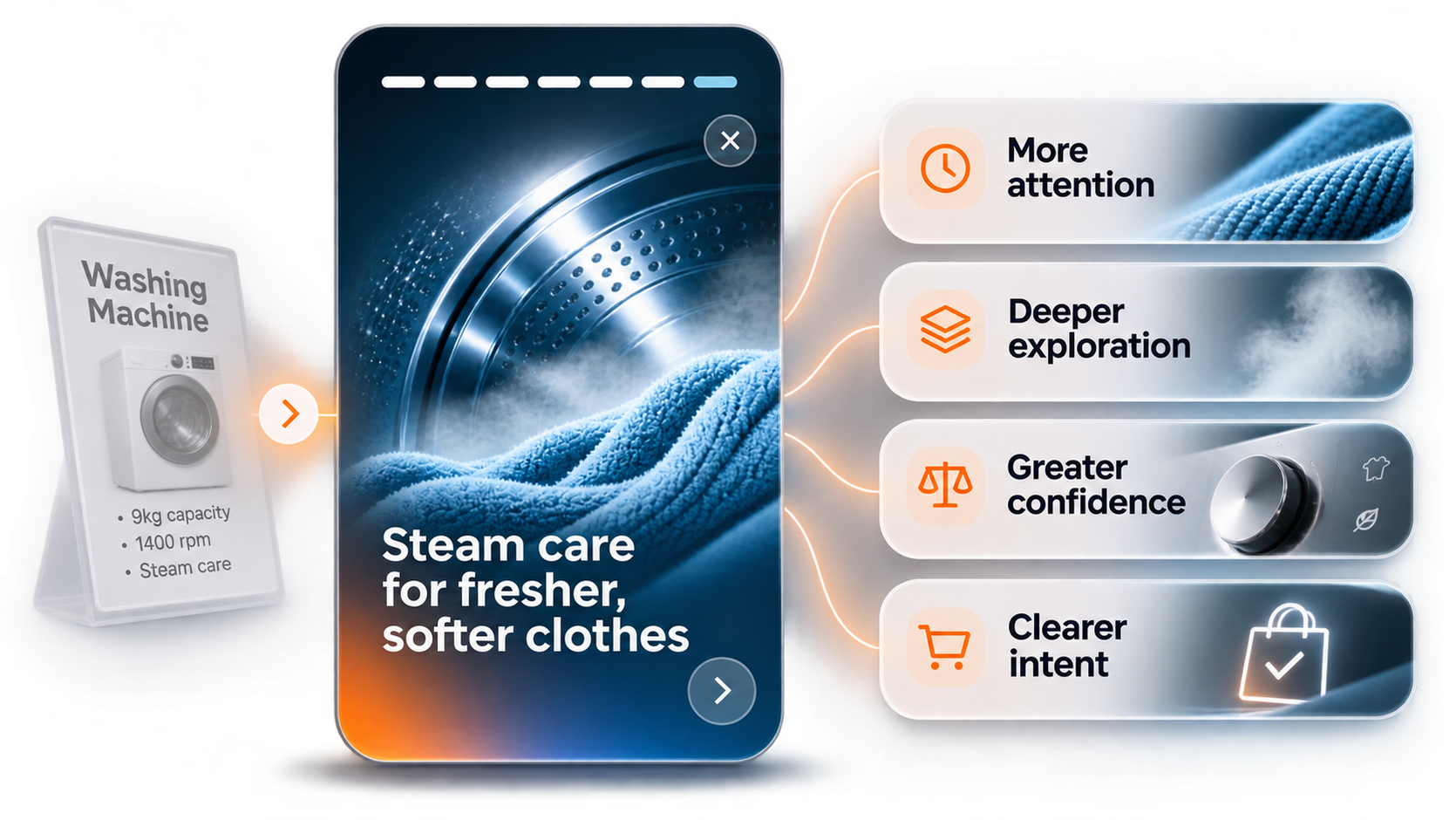
Stories is built to do more than play a loop on a screen.
It gives shoppers practical reasons to engage with the range, helping answer common questions at the fixture and build confidence before purchase.
Earn more attention at the fixture.
Give shoppers useful product content to explore rather than relying on static signage alone.
Explain more without crowding the shelf.
Cover demonstrations, specs and range comparisons digitally without adding extra print to the display.
Build confidence before purchase.
Help shoppers understand why features matter and why a step-up model is worth considering.
Measure real in-store engagement.
Move beyond estimated footfall to see how often shoppers open, watch and interact with product content.
XR11 Washing Machine
Aggregated Story insights
Chapter & action engagement
Share of sessions reaching each point
Top shopper priorities
Chapter 05 poll (1,940 responses)
Sessions by store
Where the Story is being used
Entry touchpoints
How sessions were launched
Note: Available reporting reflects the events and touchpoint context captured in each deployment.
See which parts of the story matter.
Shoppers often research a product in store and buy later online or through another channel. Aggregated Story reporting shows what captured attention at the shelf without tracking individual shoppers.
See which features hold attention.
Review aggregated Story opens, chapter completion, dwell time and model comparisons to see which product benefits resonate and where interest drops off.
Learn what shoppers say matters.
Combine poll responses with spec views and onward retailer clicks to understand which priorities drive consideration before purchase.
Compare stores and touchpoints.
Measure engagement across mapped stores, QR and NFC Smart-Tags, and interactive screens using privacy-safe aggregate reporting rather than personal profiles.
Sales tells you what happened. Interaction helps explain the journey towards it.
Explore in-store measurementFrequently asked questions.
Practical answers for teams evaluating Stories for their range and stores.
Yes. Existing product video, imagery and campaign assets can usually be adapted for Stories, particularly portrait and short-form content. Chapters are structured around how shoppers browse in store rather than simply reposting social edits.
No. The shopper-facing experience reflects your brand, retailer and product range through its imagery, typography and tone. MyPlayer provides the platform behind it.
No. Smartphone Stories opened through QR codes or NFC Smart-Tags launch straight in the mobile browser.
Yes. Stories can be published to compatible interactive screens in store as well as personal smartphones.
Yes. Chapters, videos, comparisons and onward links can be updated centrally without replacing physical QR codes, Smart-Tags or shelf print.
Yes. Content and purchase links can be configured by retail partner, channel, store group or market so shoppers are routed to the right destination for that deployment.
MyPlayer captures privacy-safe, aggregated engagement metrics such as Story opens, chapter progression, dwell time, poll responses, model comparisons and onward clicks, broken down by store, touchpoint or campaign without identifying individual shoppers. Assessing impact on store or omnichannel sales requires combining those signals with relevant retail sales data.
Stories helps shoppers explore a specific product: why it is worth choosing and how its features work.
Product Finder helps shoppers narrow down a wider range: which model fits their needs best.
The two often sit alongside each other as part of the same in-store journey.
Deploy Stories across every shelf & retail partner.
See Stories for your range.
Turn the product content you already create into fast, tappable Stories built for the shelf.
Help shoppers understand key features with confidence, and get clearer signals from every store and touchpoint.